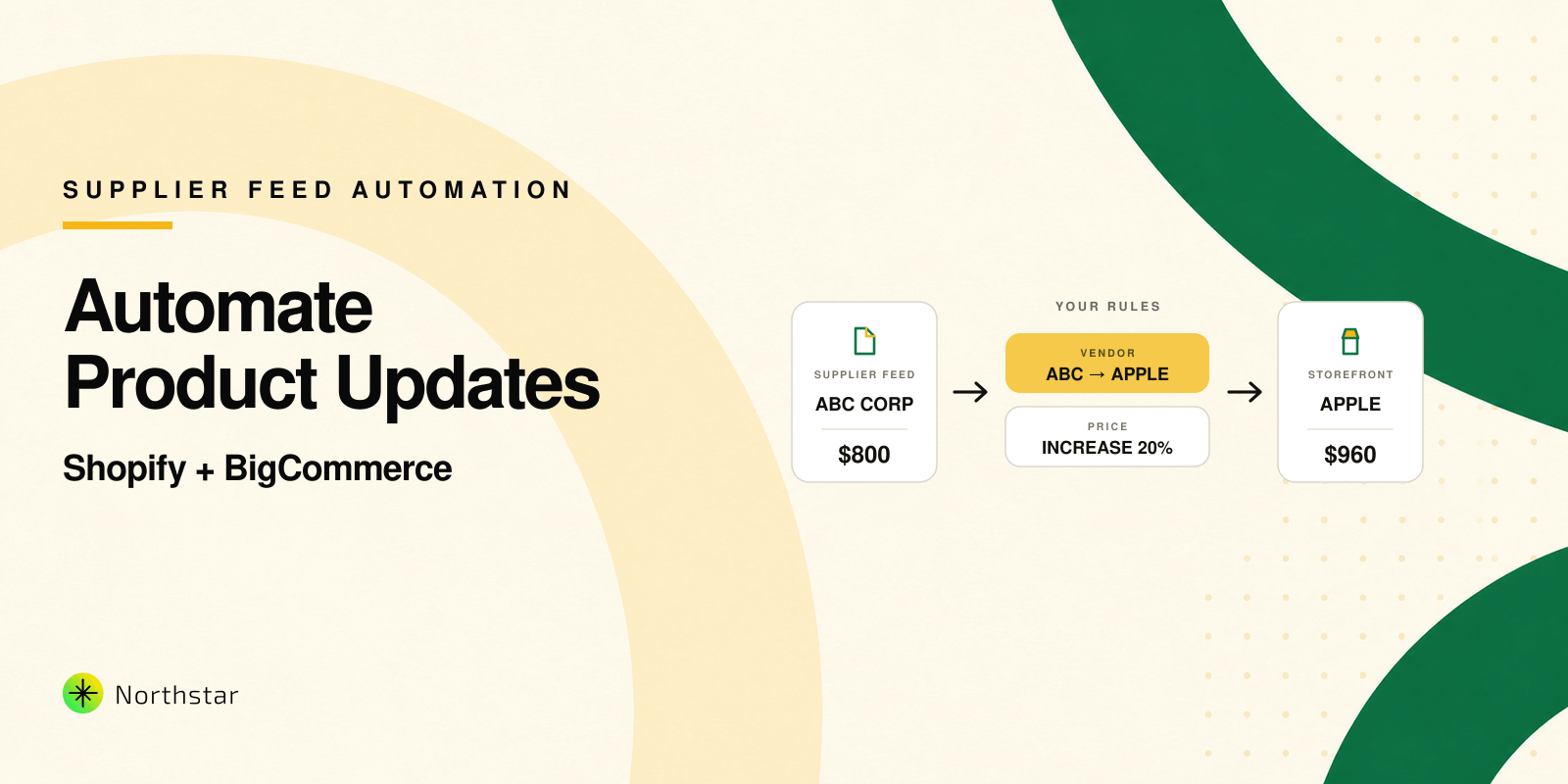

At some point, every growing Shopify store needs to raise prices: supplier costs go up, shipping becomes more expensive, or you realise your margins are too thin. Updating a few products is easy. Updating hundreds or thousands of SKUs by a specific percentage is where things get messy.
In this guide, we'll walk through when it makes sense to increase prices by percentage, the different ways to do it in Shopify, and how to avoid common mistakes like broken pricing, incorrect compare-at prices, or mismatched variants.
When Should You Increase Shopify Prices by Percentage?
Percentage-based price changes are useful when you want to adjust a whole segment of your catalog consistently, without manually calculating new prices for every SKU. Typical situations include:
- Cost increases from suppliers – Apply a 5–10% price increase to maintain margins.
- Currency or inflation adjustments – Standardise prices after exchange rate shifts.
- Brand repositioning – Move your store upmarket with a consistent uplift.
- Collection-specific adjustments – Increase prices only on certain brands, categories or seasons.
The key is consistency. If similar products end up with wildly different increases because you edited them by hand, you risk confusing customers and creating internal reporting headaches.
Ways to Bulk Increase Prices in Shopify
Broadly, you have three options to bulk increase prices in Shopify:
- Using CSV export and import with spreadsheet formulas.
- Using Shopify's default bulk editor for manual edits.
- Using a dedicated bulk editor app that supports percentage rules.
All three can work. The right choice depends on how large your catalog is, how often you make changes, and how much risk you are comfortable taking with pricing.
Using a Dedicated Bulk Editor App for Percentage Price Changes
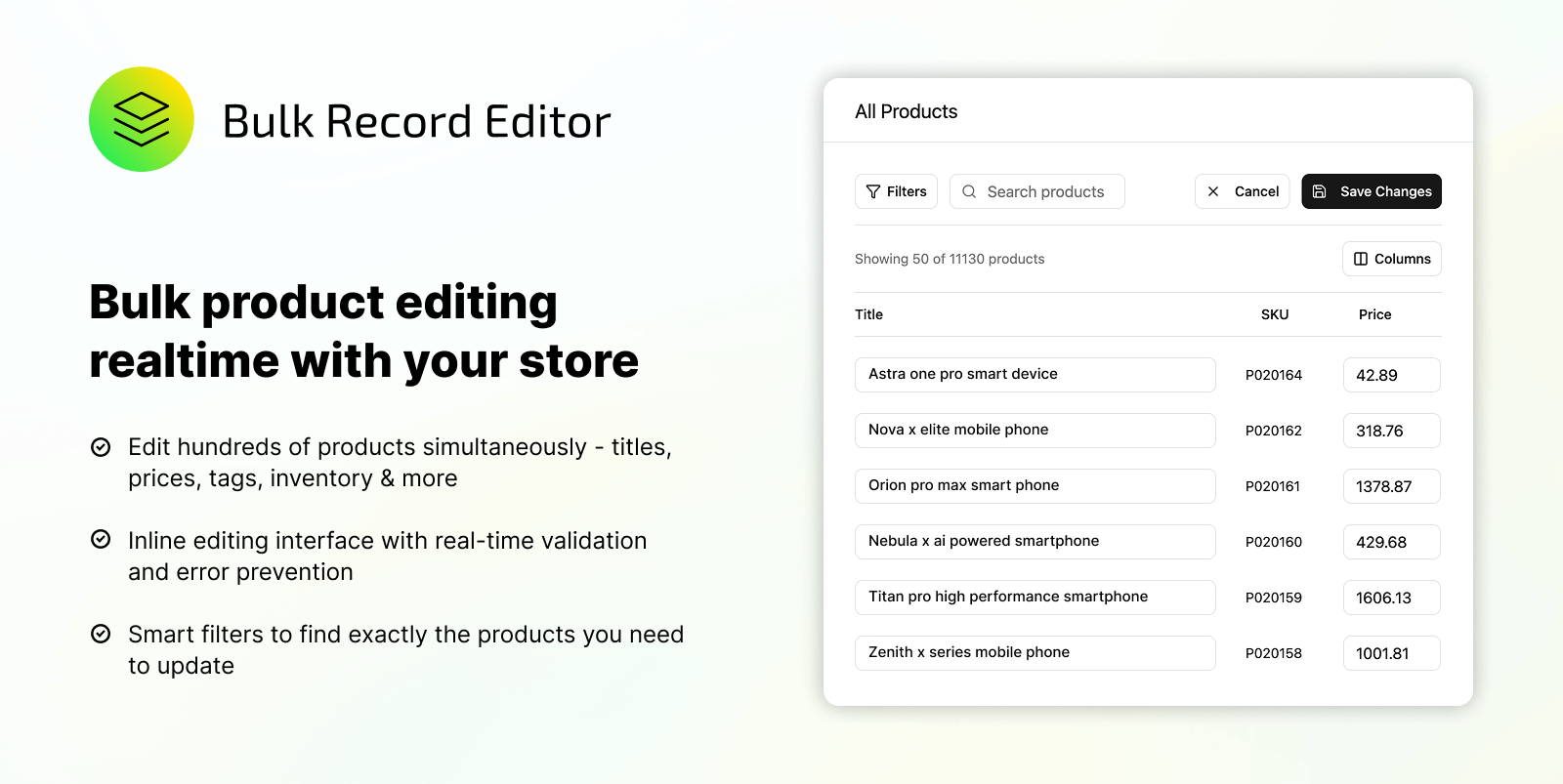
For stores that change prices regularly or manage large catalogs, a dedicated bulk editor app can reduce risk and save a lot of time. Instead of juggling CSVs and formulas, you define a rule and let the app do the maths and updates for you.
A typical workflow in a bulk editor app such as Shopify Bulk Editor by NorthStar looks like this:
- Choose which products to target – filter by collection, vendor, product type, tags, price range, or inventory level.
- Define your rule – for example, "increase price by 8%" or "increase compare-at price by 15% for products in the Winter collection".
- Preview the changes – see the before/after values before you apply the update.
- Apply now or schedule – run immediately or set a date/time if you want the new prices to go live later.
Because the logic is rule-based, you can reuse it the next time you need to run a similar increase. You also get a clearer history of what changed, which is helpful when finance or merchandising teams want to understand past price movements.
Best Practices Before You Bulk Increase Prices
- Export a backup – keep a fresh CSV export before making any large-scale adjustments. It is your safety net if something goes wrong.
- Test on a small group first – run the price increase on a small collection or tag and verify everything looks correct in the storefront and cart.
- Align with campaigns – coordinate price changes with ads, emails, and discount codes to avoid mixed signals to customers.
- Check rounding and psychological pricing – decide whether you want prices to end in .00, .49, or .99 and ensure your formulas or rules reflect that.
Frequently Asked Questions About Percentage Price Increases in Shopify
Will increasing prices by percentage affect existing discount codes?
Yes. Percentage or fixed-amount discount codes will apply on top of your new prices. If you run aggressive discounts, review them after a major price increase to make sure margins still make sense.
Should I update compare-at prices as well?
It depends on how you use them. If compare-at prices represent the "original" or "regular" price, you may want to increase them proportionally or review them manually. Make sure the relationship between price and compare-at price is still logical and compliant with your local pricing and advertising rules.
How often should I review pricing?
Many stores review pricing quarterly or bi-annually, but it depends on your cost structure, competition, and product lifecycle. Having a repeatable, rule-based process makes it easier to adjust pricing when needed instead of putting it off because it is operationally painful.
Whether you choose CSV, the default editor, or a dedicated bulk editor app, the goal is the same: update prices confidently, consistently, and with as little manual risk as possible.