Managing a few products in BigCommerce is straightforward. Managing hundreds or thousands of products is a very different job.
A simple change, such as updating prices for one brand, removing discontinued products from a category, or correcting the same text across multiple descriptions, can quickly become hours of repetitive work. Many teams export their catalog to a spreadsheet, edit the required columns, import the file again, and then check the storefront to make sure nothing unexpected changed.
This process works, but it creates unnecessary risk. One incorrect formula, misplaced column, or incomplete filter can affect a large part of the catalog.
We built Northstar Bulk Product Editor for BigCommerce to make these catalog operations faster, safer, and easier to repeat.
The app is now officially available on the BigCommerce App Marketplace.
Why we built a bulk product editor for BigCommerce
While working with eCommerce merchants and agencies, we repeatedly saw the same catalog management challenges:
- Seasonal pricing updates required repeated exports and imports.
- Out-of-stock products remained inside active merchandising categories.
- Product titles, descriptions, and custom fields became inconsistent over time.
- Teams had no easy way to preview a large update before applying it.
- The same catalog maintenance tasks had to be performed again every week or month.
The real problem was not only the number of products. It was the number of decisions involved in every update.
Which products should change? What should happen to them? Can the team confirm the result before it reaches the live store? Will the same work need to be repeated later?
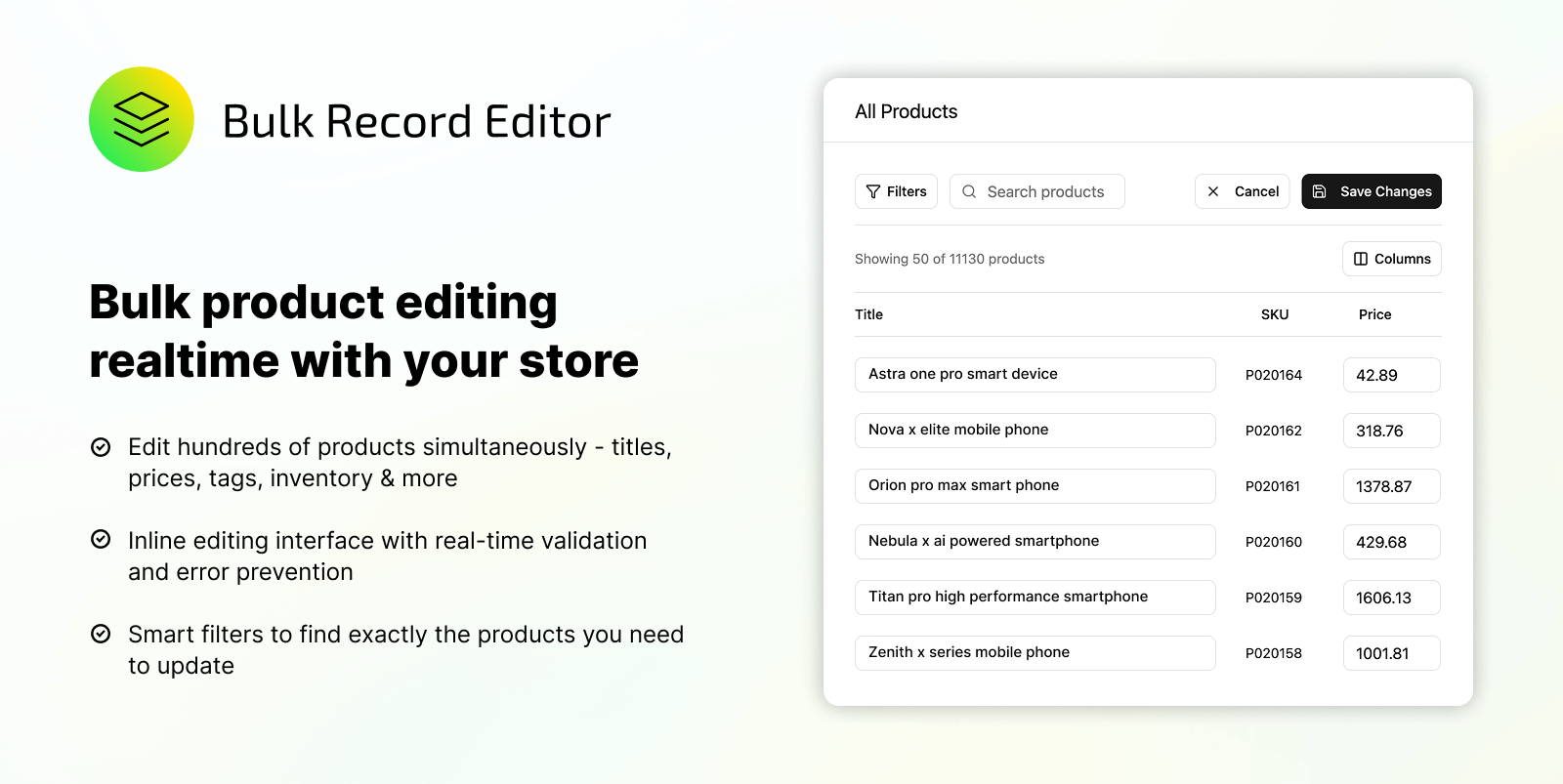
Northstar Bulk Product Editor brings those decisions into one workflow. You can select products using filters, define the required action, preview the result, and run the update without manually modifying a CSV file.
Bulk edit BigCommerce products without spreadsheets
The bulk editor allows merchants to update product data across hundreds or thousands of products in one operation.
You can bulk edit:
- Product titles
- Product descriptions
- Prices
- Brands
- Categories
- Inventory-related fields
- Product status
- Custom fields
Instead of opening products individually, you can filter the catalog to find the exact products you want to update. Filters can be based on details such as category, brand, inventory, price, status, or variants.
Once the products are selected, you choose the field and operation you want to apply.
For example, you could increase prices for all products from a particular brand, hide products that match specific conditions, or update a custom field across an entire category.
Preview changes before they reach your storefront
Speed is useful, but confidence is more important when working with a large catalog.
Every bulk update includes a preview step. This lets you review what will change before the job is applied to your BigCommerce store.
The preview helps your team verify:
- Which products are included
- Which fields will be updated
- What the existing values are
- What the new values will be
This extra review step reduces the risk of updating the wrong products or applying an incorrect value across the catalog.
Create automation rules for recurring catalog work
Some catalog updates are not one-time tasks. They are actions that need to happen whenever product data changes.
Northstar Bulk Product Editor allows you to create automation rules based on conditions such as inventory, price, category, and other product data.
Inventory-based automation
Create rules that respond when inventory becomes low, reaches zero, or returns to stock. Products can be updated or moved according to the rule, helping keep merchandising and category logic aligned with current availability.
Price rules
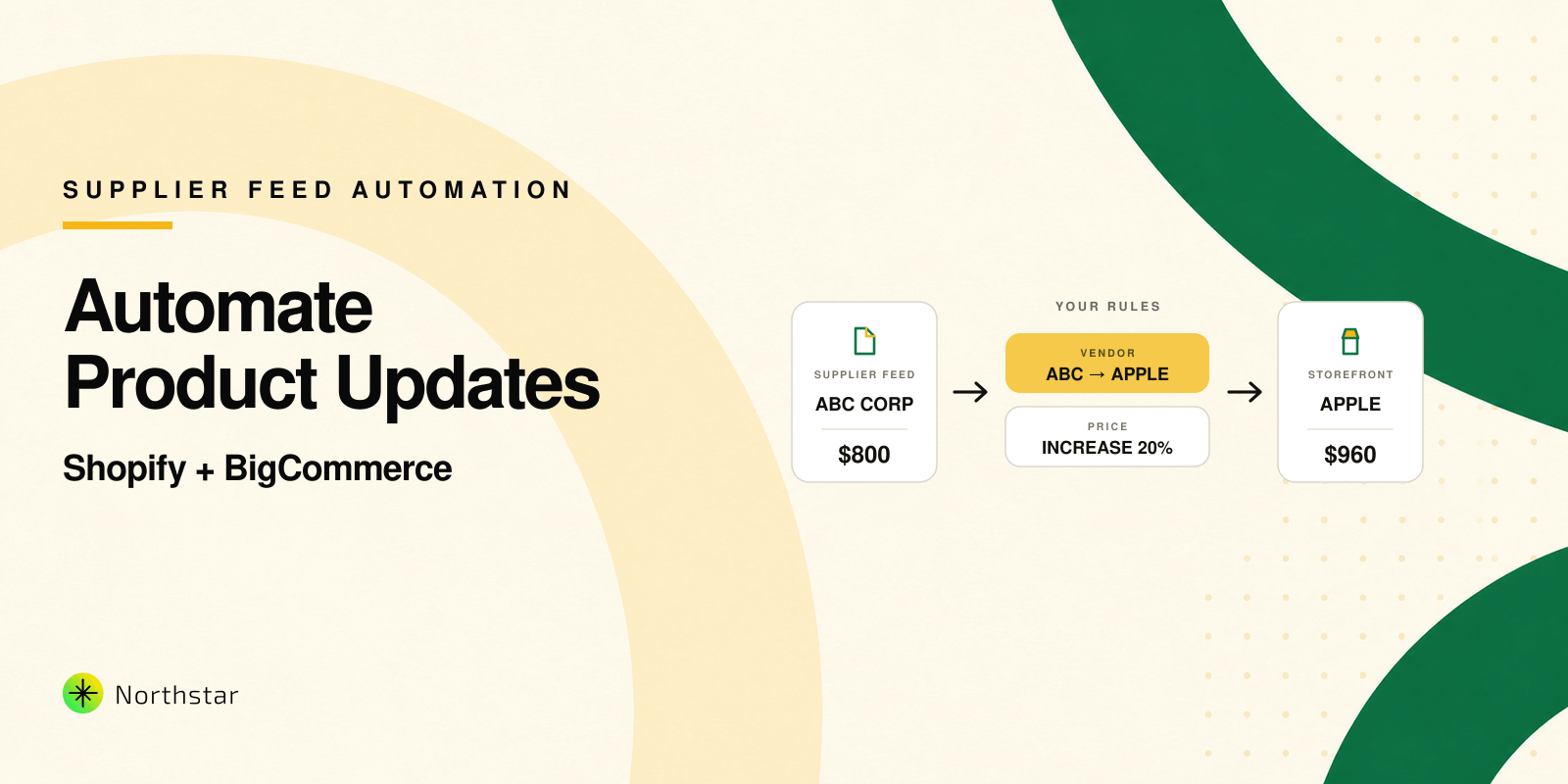
Increase, decrease, or reset product prices when selected conditions are met. Rules can be created for specific brands, categories, inventory conditions, or other filtered groups.
Category automation
Automatically add products to or remove products from BigCommerce categories based on defined conditions. This can reduce the manual work involved in maintaining sale, clearance, seasonal, in-stock, or brand-specific categories.
Content and custom field automation
Keep product descriptions and custom fields consistent as the catalog changes. This is particularly useful for stores that use custom fields to display structured product information on product pages.
Find and replace product content in bulk
Small content issues are easy to fix on one product and frustrating to fix on a thousand.
The find and replace operation helps merchants update repeated text across multiple products in a single action. It can be used to:
- Correct repeated spelling or formatting errors
- Replace outdated product information
- Update brand messaging
- Standardize terminology across descriptions
- Remove content that is no longer applicable
You can filter the affected products, define the text to find, enter its replacement, and preview the results before applying the update.
Manage BigCommerce custom fields at scale
Custom fields are often used for specifications, materials, compatibility details, dimensions, care instructions, and other structured product information.
As a catalog grows, keeping these values consistent can become difficult. Northstar Bulk Product Editor allows you to create, update, or clear custom fields across multiple products without opening each product individually.
This gives merchants and agencies a practical way to standardize product data and support more consistent storefront content.
Track bulk edits and automation history
Large catalog changes should not disappear into the background once they are completed.
The app keeps a history of bulk actions and automation runs, giving your team better visibility into past catalog operations. You can review completed jobs, understand what was changed, and refine recurring workflows over time.
Jobs are queued and processed with BigCommerce rate limits in mind, helping large updates run reliably without requiring custom scripts or manual supervision.
How Northstar Bulk Product Editor works
The workflow is designed to be simple:
- Select products using filters. Find products by category, brand, inventory, price, status, variants, or other supported conditions.
- Choose what you want to update. Select the product field and define the bulk operation or automation action.
- Preview the changes. Review the affected products and proposed values before applying anything.
- Run the update. The job is queued and safely processed across the selected products.
- Review the history. Track completed edits and automation runs from one place.
No manual spreadsheet editing is required.
Who is the app built for?
BigCommerce merchants
Store owners can make large product updates without technical assistance or custom development. This is useful for pricing changes, catalog cleanup, category management, and seasonal promotions.
eCommerce operations teams
Operations teams can reduce repetitive catalog work and create predictable processes for frequent updates. Previewing changes also makes it easier to review important jobs before they are applied.
Agencies and multi-store managers
Agencies can manage complex client catalogs using repeatable filters, rules, previews, and execution history instead of maintaining separate scripts and spreadsheets for every store.
Common ways to use the BigCommerce Bulk Product Editor
Here are a few practical workflows you can create:
- Increase or decrease prices for a particular brand or category
- Apply promotional pricing to selected products
- Find and replace outdated wording across product descriptions
- Add low-stock or discounted products to a specific category
- Remove out-of-stock products from active merchandising categories
- Update custom fields across an entire product range
- Standardize titles, descriptions, and product data
- Change the status of products that match selected conditions
- Automate recurring inventory and category updates
These workflows can be run as one-time bulk actions or configured as automation rules when the same logic needs to be used repeatedly.
Start managing your BigCommerce catalog with confidence
Northstar Bulk Product Editor was built around a simple idea: large catalog changes should be easy to control and safe to execute.
Instead of exporting files, editing rows, importing data, and manually checking the result, your team can manage the complete process from one app. Filter the catalog, define the update, preview every change, and let the app process the job.
If you manage a growing BigCommerce catalog, we invite you to try the app and share your feedback with us.
Explore Northstar Bulk Product Editor
Install it from the BigCommerce App Marketplace
We are continuing to improve the app based on real catalog workflows from BigCommerce merchants, eCommerce teams, and agencies.