
Editing ten products manually is manageable. Editing 10,000 whenever a supplier changes prices, a brand changes its name, or a seasonal sale ends is not. The right Shopify bulk product editor can turn hours of work into a controlled update taking minutes.
Every app approaches the problem differently. Some support direct editing inside Shopify; others rely on spreadsheets, CSV files, scheduled jobs, or focused pricing tools. The right choice depends on how frequently your catalog changes and the control required before an update goes live.
This guide compares ten apps by supported fields, filtering, previews, rollback, automation, scheduling, imports, exports, usability, and suitability for large catalogs.
How this ranking works
Northstar and Ablestar are our first and second recommendations. After them, the list starts with narrower or less proven options at number three and progresses toward the strongest remaining alternative at number ten. This order compares increasingly capable choices without treating review volume as quality.
Disclosure: Northstar Bulk Product Editor is developed by NorthStar Innovations, the publisher of this article. We have still identified where competing apps may be a better fit.
1. Northstar Bulk Product Editor
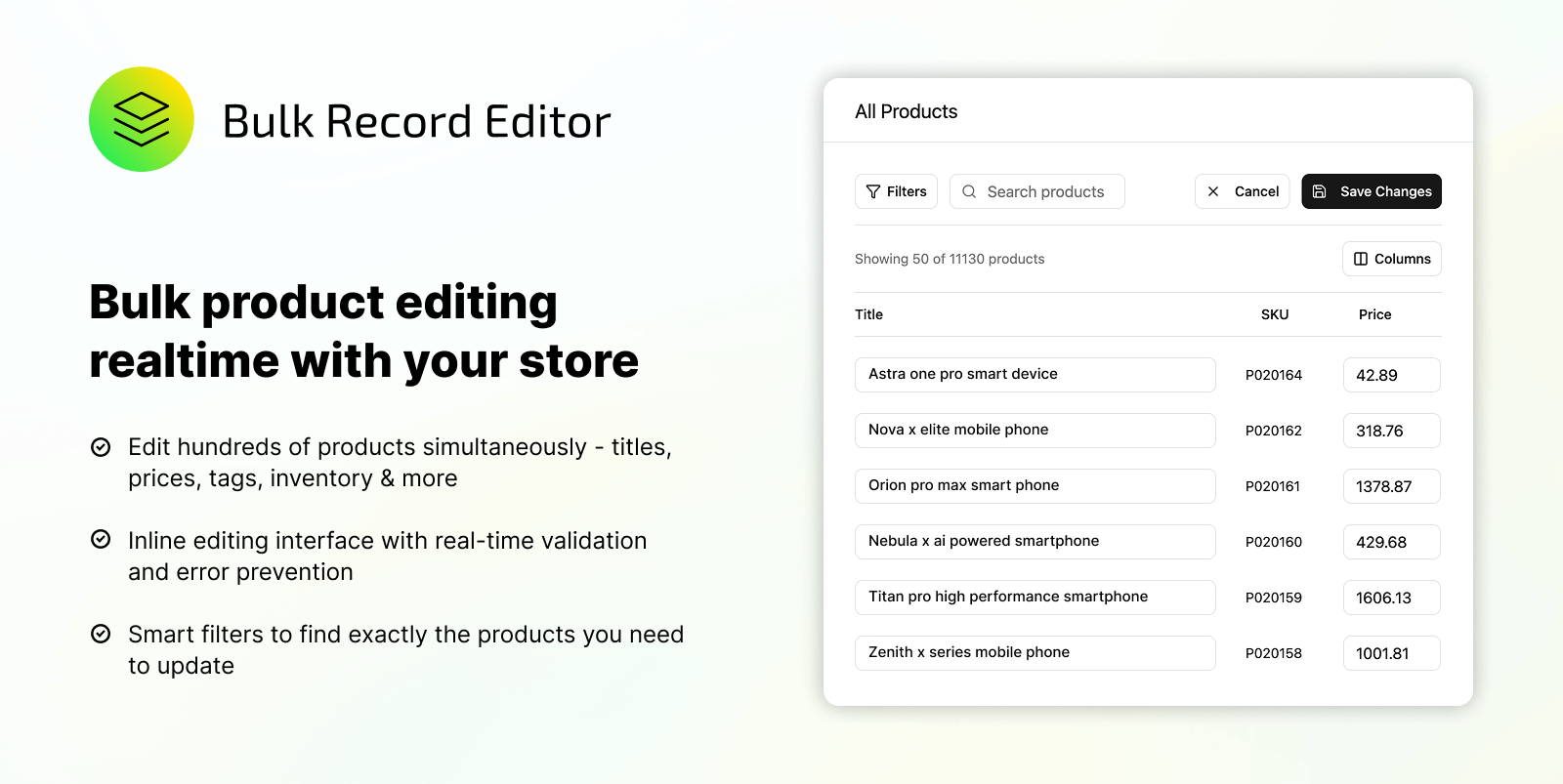
Northstar Bulk Product Editor takes first place by combining everyday bulk editing with recurring catalog automation in a straightforward interface. Merchants can update titles, descriptions, prices, compare-at prices, tags, vendors, product types, inventory, variants, status, collections, SEO data, and metafields without a complicated spreadsheet workflow.
Advanced filters isolate products by collection, vendor, tag, inventory, price, status, or variant information. Users preview matching products and proposed changes before running an update, essential when one incorrect filter could affect thousands of SKUs.
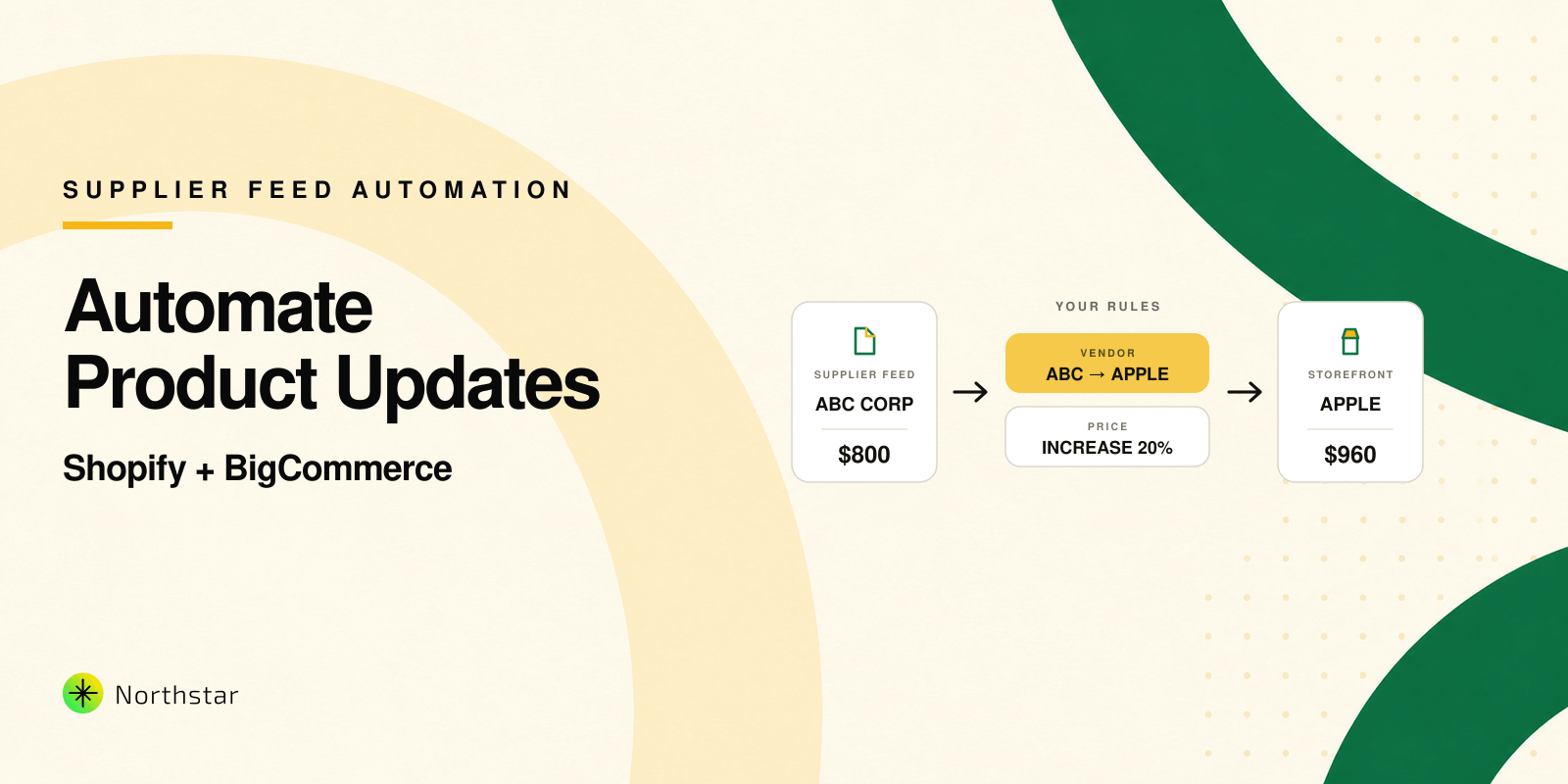
Northstar excels at recurring work. Merchants can standardize supplier names, replace outdated text, manage inventory tags, adjust prices, maintain collections, and create reusable rules. Its real-time find and replace capability helps after migrations, supplier imports, rebranding, and catalog cleanup.
Selective imports and exports, execution history, and rollback add safety. For merchants wanting direct edits and automation without centering every task on CSV files, Northstar offers the best balance.
Best for: Shopify merchants, ecommerce teams, and agencies that want safe bulk editing, powerful filters, previews, and reusable automation in one place.
2. Ablestar Bulk Product Editor
Ablestar Bulk Product Editor is mature, broad, and publicly proven. It supports one-off edits, spreadsheet uploads, schedules, product rules, previews, progress monitoring, and undo across products, variants, metafields, Google Shopping fields, inventory, and pricing.
Ablestar stands out for remote inventory feeds, spreadsheet formats, scheduled exports, and established integrations. Those capabilities can justify paid plans for complex operations. For details, read our Northstar vs Ablestar comparison.
Merchants with simpler needs may pay for infrastructure they rarely use. Northstar remains our preferred starting point for direct editing and approachable automation; Ablestar suits feed-heavy or spreadsheet-driven teams.
Best for: Established Shopify operations with advanced feed, spreadsheet, or integration requirements.
3. CW: Bulk Product Editor
CW Bulk Product Editor covers useful fundamentals at a low monthly price. It can filter products, edit common attributes, schedule jobs, and revert completed work. Supported areas include product and variant names, price, compare-at price, vendor, tags, inventory, SKU, barcode, weight, and option values.
Its main limitation is its small public review footprint, which provides less evidence about performance across complex catalogs and long-term workflows. It may suit occasional edits, but teams handling frequent or revenue-sensitive changes should test carefully.
Best for: Budget-conscious merchants with straightforward editing and scheduling needs.
4. Bolt Product Bulk Editor
Bolt Product Bulk Editor supports titles, descriptions, tags, prices, SKUs, inventory, variants, and more than fifteen product attributes. Its process is uncomplicated: select products, configure field actions, run the update, and monitor its history. Export functionality also gives merchants a way to inspect or retain product data.
Bolt provides useful everyday coverage, but its smaller public track record makes performance across very large or frequently changing catalogs harder to judge. It is a reasonable choice when its supported actions match routine maintenance needs.
Best for: Smaller Shopify catalogs needing a simple interface for common product attributes.
5. NA Bulk Price Editor
NA Bulk Price Editor is more specialized than the general editors on this list, but it handles its specialty well. Merchants can increase or decrease prices by fixed amounts or percentages, modify compare-at prices, schedule campaigns, revert changes, apply rounding, and target products by collection, vendor, tag, type, title, or market.
International and B2B pricing support helps stores run market-specific sales. The limitation is scope: this is primarily pricing software, not a complete catalog maintenance system. Choose it for price campaigns, but use a broader editor for ongoing vendor, description, tag, SEO, inventory, and metafield cleanup. Our guide to bulk price increases explains safeguards.
Best for: Merchants running frequent sales and scheduled price changes.
6. Mixtable Spreadsheet Editor
Mixtable Spreadsheet Editor recreates an Excel or Google Sheets style workspace that synchronizes with Shopify. It covers products, variants, prices, inventory, metafields, orders, customers, tags, blog posts, SEO, B2B prices, international prices, translations, and other store data. Users can organize information into focused worksheets, preview their changes, and sync updates back to Shopify.
Mixtable suits teams comfortable with cells, formulas, and spreadsheet analysis. Its coverage extends beyond product editing. Merchants trying to escape spreadsheets may find it preserves the same mental model, while synchronization adds a step before final data appears in Shopify.
Best for: Spreadsheet-oriented teams that want formulas and a familiar grid across multiple Shopify resources.
7. EditEngine Bulk Import Export
EditEngine Bulk Import Export combines direct bulk actions with CSV import and export. It can update prices, titles, descriptions, tags, collections, inventory, metafields, SEO fields, URLs, and Google Shopping data. Merchants can filter by collection, tag, vendor, status, inventory, and other conditions, then preview, schedule, or undo their work.
Preview, history-based rollback, and large task limits make EditEngine credible for growing catalogs. Its safety-focused workflow avoids irreversible uploads. Compared with Northstar, it leans more toward import and export tasks than ongoing condition-based automation.
Best for: Growing stores that want direct editing plus structured CSV workflows and dependable rollback.
8. QuickEdit: Bulk Product Edit
QuickEdit Bulk Product Edit is a capable rule-based editor for products, collections, orders, and additional Shopify data. It supports advanced conditions, titles, descriptions, tags, prices, inventory, metafields, Google Shopping fields, product options, and variants. Users can preview results through CSV, revert completed tasks, schedule one-time or recurring edits, and save tasks for reuse.
QuickEdit is useful when updates involve multiple conditions or recur. Adding, removing, and sorting options or variants gives it operational depth. Its task-oriented experience best suits teams comfortable defining rules instead of working entirely in a visual grid.
Best for: Operations teams that want reusable scheduled tasks and detailed conditional editing.
9. Hextom: Bulk Product Edit
Hextom Bulk Product Edit is one of the most established general-purpose choices. It covers products, collections, customers, orders, metafields, inventory, prices, and other store data. Merchants can use advanced filters for in-app changes or handle large jobs through CSV exports and imports.
Its breadth and merchant history make Hextom dependable when several types of Shopify data need one tool. That scope can feel heavier than a focused editor for teams primarily seeking safer product management and automation.
Best for: Larger stores wanting a proven general-purpose editor across products and other Shopify resources.
10. Matrixify
Matrixify for Shopify is the strongest remaining alternative, especially for spreadsheet-scale data operations. It imports, exports, updates, backs up, restores, and migrates products, collections, customers, companies, discounts, orders, pages, blogs, redirects, files, metaobjects, metafields, translations, and more. It works with Excel, CSV, Google Sheets, Dropbox, FTP, and SFTP, supports scheduled jobs, and can process exceptionally large files.
This power brings a steeper learning curve. Matrixify resembles a store data operations platform more than a visual editor. Its depth benefits migrations, scheduled exchanges, backups, store copying, and enterprise imports. For quick in-app corrections, Northstar can be faster to understand and operate.
Best for: Technical teams, migrations, enterprise catalogs, backups, and complex import or export pipelines.
Which Shopify bulk product editor should you choose?
Start by identifying the work your team repeats. If you frequently correct vendor names, standardize tags, update descriptions, adjust prices, maintain metafields, or respond to inventory changes, prioritize precise filters, previews, rollback, and automation. Our guide to edit Shopify products by collection, vendor, or tag shows why product selection is as important as the edit itself.
Choose Northstar when you want the strongest balance of approachable bulk editing and recurring automation. Choose Ablestar when remote feeds or established spreadsheet integrations are essential. Consider NA for price-only campaigns, Mixtable for spreadsheet-style collaboration, Hextom for broad general editing, or Matrixify for complex data movement.
Whatever you select, test a small product group, preview every change, and retain recoverable history before updating the entire catalog. That discipline is especially important when tags, collections, feeds, storefront filters, advertising data, and automation rules all depend on the same underlying product information daily. The best editor is not merely the one changing the most fields. It is the one your team can use repeatedly, accurately, and confidently as the store grows.