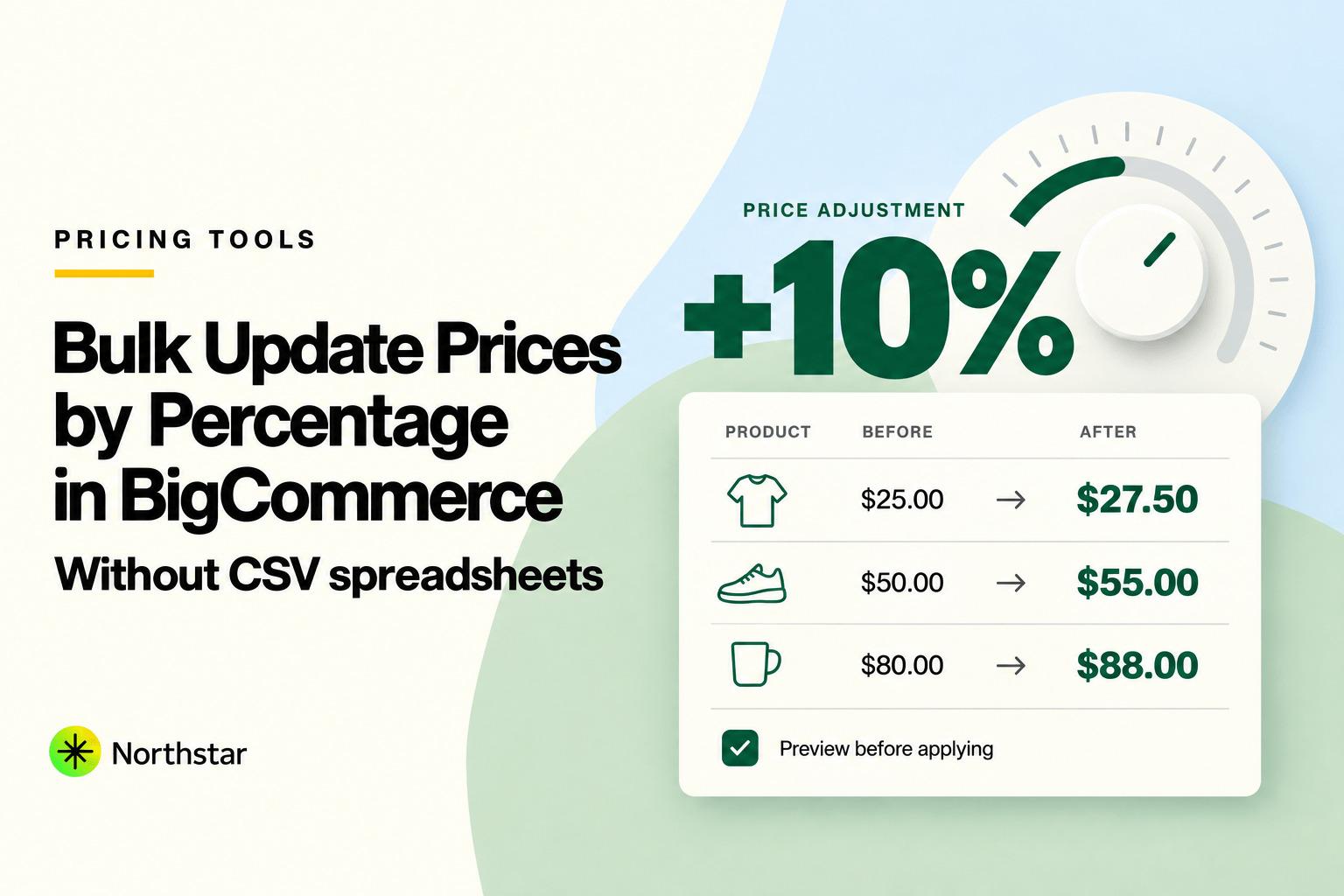
Suppliers raise wholesale costs, freight carriers hike shipping surcharges, inflation shifts margin targets, and seasonal retail campaigns demand storewide markdowns. For an ecommerce merchant managing hundreds or thousands of products, updating catalog pricing is a weekly reality.
Yet, if you try to increase prices by percentage in BigCommerce natively, you quickly hit a brick wall. The native BigCommerce control panel does not feature a simple "Increase price by 10%" button. Instead, merchants are forced into an exhausting routine: export a massive product CSV, write mathematical formulas in Microsoft Excel or Google Sheets, pray no formatting breaks, and re-import the file.
In this step-by-step guide, you will learn how to bulk update prices in BigCommerce without CSV, how to apply smart psychological price rounding (like ending in .99 or .95), and how to safely audit proposed price changes before they go live on your storefront.
The Hidden Dangers of CSV Price Recalculation
Using a spreadsheet to calculate a bigcommerce bulk price update percentage might seem simple at first glance, but CSV files are fraught with dangerous edge cases that can crash your catalog or destroy your profit margins:
-
Currency Symbol Corruption: If Excel automatically formats your calculated price cells with currency symbols (such as
$19.99or€24.50), BigCommerce's CSV parser will reject the import or import the price as0.00, accidentally giving away products for free. -
Lost Leading Zeros on SKUs: Excel notoriously strips leading zeros from product SKUs and UPC barcodes (turning
0012345into12345). When you re-import, BigCommerce fails to match the existing products and either creates duplicate orphaned listings or throws validation errors. - Variant Price Overwrite Traps: In BigCommerce, products with variants can have distinct variant pricing overrides. When importing prices via spreadsheet, inexperienced store managers often overwrite all variant prices with the parent base price, erasing size or color upcharges.
-
Ugly Decimal Outputs: Applying a raw percentage increase (such as multiplying by
1.075for a 7.5% increase) results in messy numbers like$21.4925. Without strict rounding formulas, your storefront displays strange prices like$21.49or fails validation. - Zero Native Rollback: Once a CSV import completes in BigCommerce, the previous price points are completely overwritten in your database. If you made a formula error, there is no "Undo" button.
Margin Math Reminder: Increasing prices by 10% does not increase your profit margin by 10%. Remember the difference between markup and margin:
Markup = (Selling Price - Cost) / Cost, whereasMargin = (Selling Price - Cost) / Selling Price. Always verify target margins before applying percentage updates.
The Modern Alternative: Rule-Based In-App Price Automation
Instead of handling risky CSV spreadsheets, modern BigCommerce merchants use the NorthStar BigCommerce Bulk Product Editor. With native BigCommerce numeric price update rules, you can select targeted products, apply mathematical formulas (+X%, -X%, or fixed additions), specify rounding rules, preview every modified price, and apply updates in real time.
Key Pricing Fields Supported in Bulk
- Default / Base Price: The primary retail price displayed on product pages and category grids.
- Sale Price: The discounted price that displays a struck-through original price and sale badge.
- Cost Price: Internal wholesale cost, essential for margin tracking and reporting.
- Retail Price / MSRP: Manufacturer suggested retail price used for discount anchoring.
- Variant Price Overrides: Specific variant prices adjusted proportionally or uniformly.
Step-by-Step Tutorial: How to Bulk Update Prices in BigCommerce by Percentage
Follow these steps to safely increase or decrease prices across your BigCommerce catalog without using spreadsheets:
Step 1: Filter and Segment Target Products
Open NorthStar Bulk Product Editor within your BigCommerce Control Panel. First, define the exact group of products you want to re-price:
- By Brand / Manufacturer: Pass along supplier-specific price increases (e.g., all products by Sony or Dewalt).
- By Category: Apply promotional markdowns across an entire department using BigCommerce category automation or the sale price scheduler.
- By Current Price Range: Target only entry-level items under $50, or luxury items over $500.
- By Custom Fields or Inventory: Target products using BigCommerce custom field management or low-stock rules.
The app confirms how many products match your filter before you proceed.
Step 2: Choose the Price Field and Mathematical Operation
Under the bulk operations menu, select Price Adjustments. Choose which field to target (e.g., Default Price) and pick your calculation method:
- Increase by Percentage: e.g.,
+ 8%to accommodate supplier cost hikes. - Decrease by Percentage: e.g.,
- 20%for a seasonal flash sale. - Increase / Decrease by Fixed Amount: e.g.,
+ $5.00across all heavy items to cover parcel shipping rate hikes. - Set Based on Cost Price (Margin Markup): e.g., set Price =
Cost + 45%to automatically lock in healthy margins.
Step 3: Configure Psychological Rounding Rules
Unrounded percentage calculations produce irregular price endings like $43.17 or $89.63. NorthStar features built-in psychological pricing controls:
- Round to .99: Standard retail pricing (e.g., $43.17 becomes
$43.99). - Round to .95: Premium boutique pricing (e.g., $43.17 becomes
$43.95). - Round to .00: Clean whole-dollar luxury pricing (e.g., $43.17 becomes
$43.00or$44.00). - Nearest 0.50 / 0.10: Rounded to the nearest half-dollar or dime.
Example Rule Configuration:
{
  "filter": {
    "brand": "Apex Audio",
    "category": "Headphones"
  },
  "field": "default_price",
  "operation": "increase_percentage",
  "value": 12.0,
  "rounding": "round_to_99_cents",
  "update_variants": true
}
Step 4: Audit Proposed Prices with Live Before/After Preview
Before changing a single live price on your storefront, review the real-time preview table. NorthStar displays:
- Current Price vs. Calculated New Price.
- Absolute Dollar Change (e.g., +$6.00).
- Variant price breakdowns so you can confirm variant upcharges were preserved.
- Profit margin indicators if Cost Price is populated in BigCommerce.
| Product Title & SKU | Cost Price | Current Price | Rule (+12% & .99) | New Price (Live Preview) | Margin Change |
|---|---|---|---|---|---|
Wireless Studio HeadphonesSKU: APX-W100 |
$55.00 | $89.00 | $89 × 1.12 = $99.68 → .99 | $99.99 | +6.8% margin |
Noise-Cancelling EarbudsSKU: APX-E50 |
$30.00 | $49.00 | $49 × 1.12 = $54.88 → .99 | $54.99 | +6.7% margin |
Replacement Cable KitSKU: APX-ACC-01 |
$6.00 | $14.00 | $14 × 1.12 = $15.68 → .99 | $15.99 | +5.4% margin |
Step 5: Apply Changes with Asynchronous Queues & Instant Rollback
Click Run Price Update. The update executes through BigCommerce's official REST v3 API via resilient background queues. Even if you are re-pricing 25,000 SKUs, the system handles BigCommerce rate limits smoothly without stalling your store or crashing your browser tab.
Best of all, NorthStar takes an automatic snapshot of every price prior to the update. If a supplier suddenly cancels an announced price hike or you spot an error, simply navigate to the History tab and click Rollback to revert all affected products to their exact previous prices instantly.
4 Common Merchant Pricing Scenarios in BigCommerce
1. Brand-Wide Inflationary Price Adjustment
When an international manufacturer raises distributor costs by 6%, you can filter by that brand and apply a 6% increase with .99 rounding. This takes 45 seconds and keeps all profit margins completely intact.
2. Black Friday / Cyber Monday (BFCM) Category Markdowns
Instead of creating discount codes that shoppers have to type at checkout, set a sale price across entire categories (e.g., 20% off all winter apparel). Customers immediately see strikethrough pricing and badges across your Stencil theme, which dramatically boosts conversion rates.
3. Synchronizing Retail Price (MSRP) for Anchor Discounts
If your store displays "Save $30 (25% off)" badges, your retail MSRP field must be kept accurate. You can bulk update the Retail Price field to be 25% higher than your Default Price across new product arrivals to display compelling value propositions to shoppers.
4. Margin Protection on Rising Shipping Costs
For heavy or oversized goods (e.g., furniture, gym weights, automotive parts), courier surcharges can eat into margins. You can filter all products weighing over 25 lbs and apply a flat +$15.00 price adjustment across the board.
Running on Shopify too? Read our dedicated guide on Shopify numeric price update rules to automate percentage pricing on Shopify stores.
Frequently Asked Questions: Bulk Pricing in BigCommerce
Does BigCommerce support bulk percentage price updates out of the box?
No. BigCommerce's native control panel only lets you manually type individual dollar prices into cells under Products > View Products > Bulk Edit. To calculate percentage changes natively, BigCommerce requires exporting a CSV, editing it in a spreadsheet application, and re-importing.
Will bulk updating prices affect customer group price lists?
Default price updates modify your catalog's base prices. If you have custom Customer Group Price Lists configured (e.g., for wholesale B2B accounts), those specific price list overrides remain untouched unless you explicitly choose to update Price Lists in your bulk editor rule.
How are product variants handled during a bulk price increase?
With NorthStar, you can choose whether variant prices are updated proportionally alongside the parent base price or kept as their existing overrides. This prevents standard CSV pitfalls where variant upcharges are accidentally erased.
Can I schedule price increases to go live at a specific time?
Yes. Using automated pricing rules, you can schedule price changes to execute automatically at midnight, on holiday weekends, or at the start of a supplier contract date.
What happens if a product already has a sale price?
You can configure your rule to update the Default Price, the Sale Price, or both. You can also define conditions (e.g., "Only update products where Sale Price is empty") so active sales are not unintentionally disrupted.
Can I revert price changes if I make a mistake?
Yes. NorthStar Bulk Product Editor maintains a full audit log and provides 1-click rollback, allowing you to restore your previous prices with zero manual spreadsheet cleanup.
Eliminate spreadsheet errors and take command of your store's profit margins. Explore NorthStar's BigCommerce numeric price update automation to streamline price increases, sales markdowns, and psychological rounding rules today.