Managing an ecommerce catalog in BigCommerce is straightforward when you are curating fifty or a hundred products. But once your store scales past 1,000, 10,000, or 100,000 SKUs, everyday catalog operations transform into an operational bottleneck.
Whether you need to roll out seasonal price increases across three specific brands, assign hundreds of products into new promotional categories, update technical custom fields, or strip outdated promotional badges from descriptions, doing it manually is out of the question.
For years, BigCommerce merchants have been forced into a painful compromise: either click through the built-in control panel editor 100 products at a time, or risk catalog corruption through brittle CSV export-and-import spreadsheet routines.
Fortunately, modern BigCommerce catalog management tools and dedicated bulk product editor apps have emerged to eliminate spreadsheet headaches entirely.
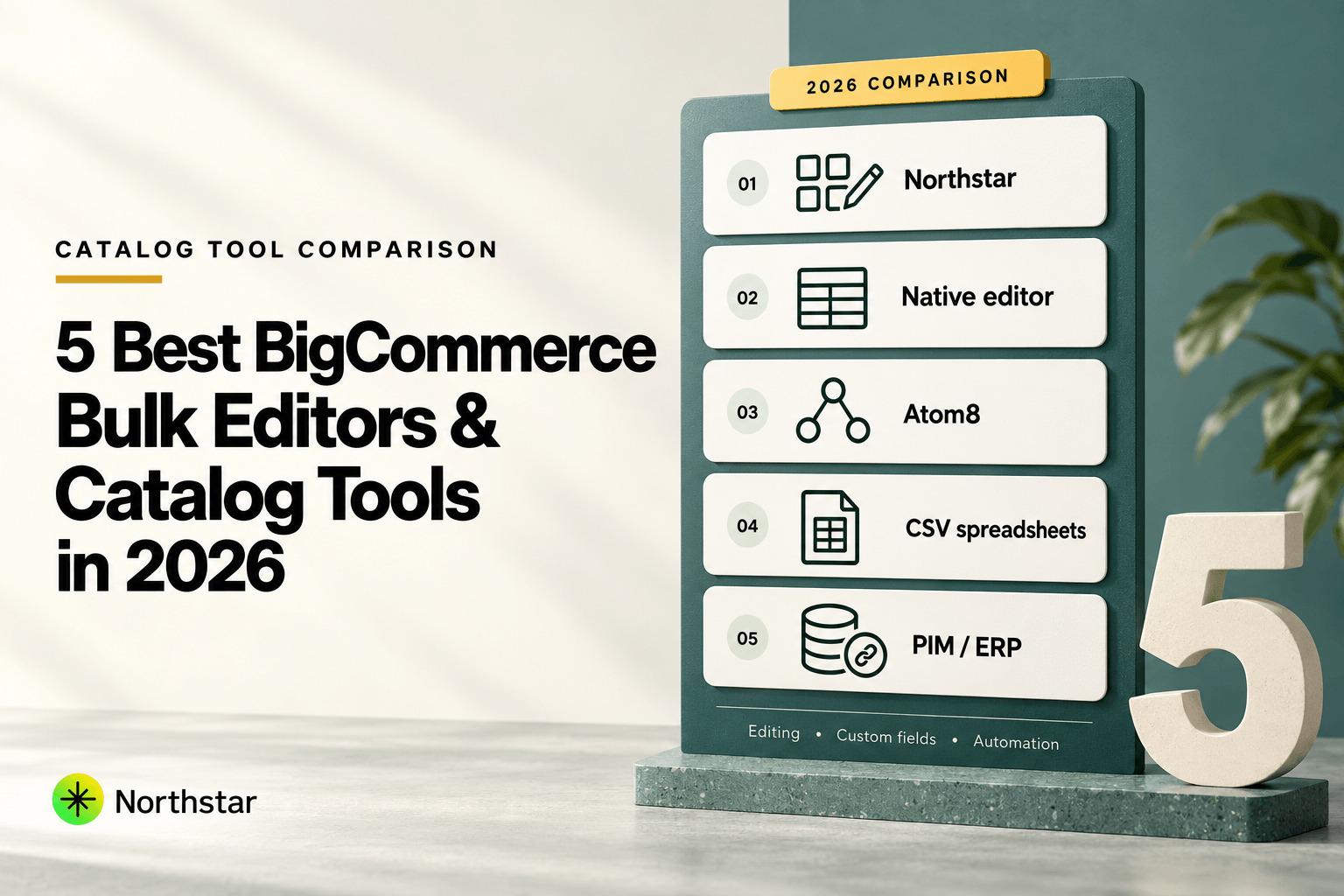
In this comprehensive BigCommerce bulk editor review, we analyze the top five tools available in 2026—evaluating their real-world editing speed, custom field support, preview accuracy, automation capabilities, pricing, and risk recovery.
Editorial Disclosure: Northstar Bulk Product Editor is built by NorthStar Innovations, the publisher of this guide. We wrote this comparison to provide an honest, technically rigorous evaluation of all available solutions on the market, detailing where competitors excel and where purpose-built visual editing makes the greatest operational difference.
Quick Summary: Top BigCommerce Bulk Product Editor Apps
| Tool / App | Primary Use Case | Custom Fields Support | Preview & Safety | Starting Price | Best Fit For |
|---|---|---|---|---|---|
| NorthStar Bulk Product Editor | Visual in-app bulk editing & automated catalog rules | Full native bulk management (No CSV needed) | 100% visual diff preview + 1-click rollback | Free tier available | Stores wanting fast, spreadsheet-free catalog updates & rules |
| BigCommerce Native Bulk Edit | Built-in inline cell editing in control panel | None (Disabled in grid view) | No preview; immediate direct database write | Included free with BigCommerce | Quick manual adjustments to fewer than 100 products |
| Atom8 B2B & Catalog Automation | Event-driven workflow builder & triggered actions | Limited via API webhook triggers | Log view (No visual storefront preview) | From $99/month | Complex multi-step backend store automations |
| Excel / Google Sheets (CSV Import/Export) | Raw data pipeline & formula-based bulk calculation | Supported via horizontal columns (Complex) | Zero preview; high risk of UTF-8/formatting corruption | Free (Software dependent) | Initial store migrations and developers running SQL dumps |
| Third-Party PIM / ERP Middleware | Enterprise master data synchronization across channels | Enterprise schema mapping | Staging environment sync | $500 to $5,000+/month | Large multichannel enterprise retailers with dedicated IT teams |
1. NorthStar Bulk Product Editor: The Best Overall BigCommerce Bulk Editor
Northstar Bulk Product Editor for BigCommerce is engineered specifically to eliminate spreadsheet reliance from daily catalog administration. Available directly in the BigCommerce App Marketplace, it delivers a modern, high-speed interface where merchants can filter, modify, preview, and automate catalog updates across up to 100,000+ products with complete confidence.
Why NorthStar Ranks #1 for BigCommerce
- Spreadsheet-Free In-App Workflow: You never have to export a CSV, edit cells in Excel, worry about corrupting scientific notation on SKUs, or wait for BigCommerce’s standard import queue. Everything happens cleanly inside the app interface.
- True Visual Diff Previews: Before any batch update touches your live BigCommerce storefront, NorthStar renders an exact visual diff showing the old value versus the proposed new value for every affected SKU. This ensures zero surprises.
- First-Class Custom Field Management: While native BigCommerce bulk edit completely locks you out of custom fields, NorthStar lets you bulk add, update, delete, and replace custom fields across thousands of products in seconds. This is a game-changer for B2B stores, automotive parts, apparel sizing, and technical specifications.
- Dynamic Rule-Based Automation: NorthStar goes beyond one-off updates. You can build automated catalog rules—such as automatically tagging or moving low-stock products to clearance, adjusting prices based on brand margins, or modifying categories when inventory fluctuates.
- Safe Asynchronous Queued Execution: Bulk tasks execute via resilient background queues designed around BigCommerce API rate limits. Operations never freeze your browser, cause timeout errors, or disrupt storefront shopper traffic.
- 1-Click Instant Rollback: If you accidentally applied a 25% discount instead of 15%, NorthStar stores granular audit snapshots allowing you to revert any batch update back to its previous state with a single click.
Verdict: NorthStar is the fastest, safest, and most complete bulk editor for BigCommerce merchants who have outgrown native control panel limitations.
2. BigCommerce Native Control Panel Bulk Edit
BigCommerce provides a built-in bulk editing interface accessible directly from Products > View Products. By selecting checkboxes next to products and choosing Bulk Edit from the action dropdown, merchants are taken to a spreadsheet-like grid within the BigCommerce admin dashboard.
The Strengths
- Included directly within your BigCommerce subscription with no additional monthly software expense.
- No installation required—accessible immediately inside the control panel.
- Good for small, visual inline adjustments (e.g. manually renaming 5 product titles or tweaking 10 sale prices).
The Serious Limitations
- The 100-Product Hard Cap: The native interface can only process products visible on the current page (a maximum of 100 products at a time). If you need to update 3,500 products, you must repeat the manual process 35 consecutive times.
- No Custom Fields Support: BigCommerce does not display custom fields in the native bulk editor grid. If your store relies heavily on custom fields for faceted search or product specifications, the native bulk editor is completely useless.
- No Reusable Logic or Automation: You cannot configure rules such as "increase all prices in Category X by 10%". You must manually calculate and type or copy-paste every individual cell.
- No Preview and No Rollback: Clicking "Save" immediately overwrites your live database. If you accidentally paste incorrect data across 100 cells, there is no undo button—your only recourse is manual data re-entry.
Verdict: BigCommerce's native bulk editor is adequate for minor inline cleanups on tiny catalogs, but rapidly collapses under the weight of growing inventories.
3. Atom8 B2B & Catalog Automation
Atom8 by GritGlobal is a recognized workflow automation platform in the BigCommerce ecosystem. Rather than focusing strictly on bulk product editing, Atom8 functions as an ecommerce workflow engine—similar to Zapier or Shopify Flow tailored specifically for BigCommerce stores.
The Strengths
- Powerful trigger-and-action workflow logic for store operations (e.g., when an order is placed, or when an inventory webhook fires).
- Strong capabilities for auto-categorization, customer segment tagging, and automated order status routing.
- Direct integration with BigCommerce customer groups and B2B pricing features.
The Limitations
- Not a Visual Bulk Editor: Atom8 is not designed for browsing your catalog, selecting a cohort of 500 products, and running a visual find-and-replace or price adjustment with an instant preview.
- Steep Learning Curve: Configuring multi-stage automation flows requires understanding conditional logic, webhooks, and testing environments.
- Substantial Monthly Cost: Atom8’s pricing starts at approximately $99/month and scales up quickly based on workflow complexity and task volume, making it an expensive choice for merchants who simply need reliable catalog management.
Verdict: Excellent for backend operational workflows and automated customer group tagging, but overkill and unintuitive if your primary goal is editing product details, prices, and custom fields.
4. Traditional Excel / Google Sheets CSV Import & Export
For many store managers, the default fallback has always been the standard BigCommerce CSV export-and-import routine. You export your product catalog from Products > Export, open the CSV in Microsoft Excel or Google Sheets, write formulas, save the file, and re-import via Products > Import.
The Strengths
- Zero software licensing fees beyond standard office spreadsheet tools.
- Virtually unlimited formula power for complex mathematical recalculations across thousands of rows.
- Essential for full ground-up store migrations from Magento, WooCommerce, or Shopify.
The Hidden Risks & Frustrations
-
Data Truncation & Scientific Notation: Excel frequently converts numeric SKUs, UPCs, and barcodes (e.g.
000123456789) into scientific notation (1.23E+11) or strips leading zeros, permanently corrupting your product identifiers upon re-import. -
Character Encoding Disasters: Non-ASCII characters, French accents, Spanish tildes, currency symbols, and inch quotes (
") often get butchered into garbled characters (e.g.’) due to UTF-8 mismatch between Excel and BigCommerce. -
Custom Field Horizontal Sprawl: In BigCommerce CSV exports, custom fields are stored as sequential column pairs (
Product Custom Field Name 1,Product Custom Field Value 1, etc.). A single typo can misalign hundreds of attributes or overwrite critical metadata. - No Native Preview or Undo: Once an invalid CSV is uploaded, errors ripple across the storefront immediately. Fixing them requires restoring from a previous backup—a process that can take hours of downtime.
Verdict: Necessary for large-scale database migrations, but far too risky, slow, and tedious for weekly catalog merchandising.
5. Enterprise PIM & ERP Middleware Systems
At the enterprise end of the spectrum, brands running omnichannel operations often deploy dedicated Product Information Management (PIM) platforms such as Akeneo, Salsify, Pimcore, or Jasper PIM, connected to BigCommerce via custom APIs or middleware connectors.
The Strengths
- Centralized single source of truth for product data distributed across BigCommerce, Amazon, Walmart, and retail POS.
- Granular role-based governance, multi-language localization, and digital asset management.
The Limitations
- Prohibitive costs ranging from $15,000 to over $100,000 annually in software licensing and implementation consulting.
- Lengthy multi-month onboarding and ongoing systems engineering overhead.
- Extreme complexity for marketing and ecommerce teams who simply want to modify catalog attributes on their BigCommerce store today.
Verdict: Justifiable for enterprise multinational retail conglomerates, but completely inaccessible and impractical for mid-market and fast-growing direct-to-consumer or B2B BigCommerce brands.
Head-to-Head Comparison: Which Solution Fits Your Workflow?
| Evaluation Criteria | NorthStar Bulk Product Editor | BigCommerce Native Bulk Edit | Atom8 Automation | Excel / CSV Spreadsheet |
|---|---|---|---|---|
| Maximum Batch Capacity | 100,000+ products queued | 100 products per page | Trigger-based / API limits | File-size dependent |
| Custom Field Editing | Full native visual support | Not available | API custom scripts only | Brittle multi-column layout |
| Live Visual Diff Preview | Yes (100% exact preview) | No | No | No |
| Catalog Automation Rules | Yes (Set-and-forget rules) | No | Yes (Event triggers) | No |
| Instant 1-Click Rollback | Yes (Safe execution history) | No | No | Manual backup re-import |
| Find & Replace across HTML | Yes (Real-time regex & text) | No | No | Requires Excel formulas |
| Risk of SKU / Barcode Corruption | Zero (API integrity maintained) | Low (Manual error only) | Low | Very High (Scientific notation) |
| Learning Curve | 5 minutes (Intuitive visual UI) | Minimal | High (Workflow builder) | Moderate to High |
Critical Factors to Evaluate Before Choosing a BigCommerce Bulk Editor
1. Does it handle BigCommerce Custom Fields natively?
In BigCommerce, custom fields power technical specifications, brand filters, facet navigation, and B2B pricing attributes. Many general-purpose tools treat BigCommerce as if it were Shopify, neglecting how BigCommerce stores key-value pairs.
Ensure your bulk editor allows you to filter products by existing custom field values, add new key-value pairs across filtered segments, or delete obsolete custom fields without touching unrelated attributes. NorthStar’s custom field engine was specifically designed around BigCommerce's V3 API architecture to solve this exact problem.
2. Can you preview changes before they hit production?
Accidentally applying a discount rule to your entire catalog instead of a clearance brand can cost thousands of dollars in lost revenue within minutes. A trustworthy bulk editor for BigCommerce must offer an explicit visual diff preview step showing every modified field across every targeted SKU before queuing the job.
3. Does it protect you from API rate limits and data timeouts?
BigCommerce strictly throttles REST API requests to protect storefront stability. Poorly built bulk editing scripts attempt to push hundreds of concurrent requests, triggering 429 Too Many Requests errors and leaving your catalog in a half-updated, corrupted state. Look for tools that utilize intelligent rate-limit-aware asynchronous queues that guarantee 100% completion regardless of catalog size.
4. Can you automate recurring catalog tasks?
Bulk editing is often not a one-time chore; it is an ongoing weekly necessity. If you constantly need to tag out-of-stock products, reset flash sale prices every Monday morning, or update product categories as inventory moves, look for tools that support reusable automation rules.
How to Bulk Edit BigCommerce Products in 4 Simple Steps with NorthStar
- Select Products with Advanced Multi-Factor Filters: Filter your catalog by category, brand, stock level, price range, visibility status, or custom field values.
- Define the Field Operation: Choose from numeric price updates (percentage increase, decrease, margin rounding), title find-and-replace, category reassignment, inventory rule toggling, or custom field injection.
- Review the Visual Diff Preview: Inspect a side-by-side preview showing your current catalog data alongside the proposed updates to verify 100% accuracy.
- Execute Safely with Queued Processing: NorthStar queues the task, updates your catalog in the background without slowing down your store, and saves a complete audit history with 1-click rollback capability.
Frequently Asked Questions
What is the best bulk editor for BigCommerce in 2026?
For the vast majority of BigCommerce merchants, NorthStar Bulk Product Editor is the best choice. It combines direct visual in-app editing, 100% visual diff previews, complete custom field management, and rule-based automation without requiring fragile CSV files or expensive monthly subscriptions.
Can BigCommerce native bulk edit handle custom fields?
No. BigCommerce's built-in control panel bulk edit grid does not display or support custom fields. To update custom fields natively, merchants must export their entire catalog to CSV, manipulate horizontal column pairs in a spreadsheet, and re-import the file. NorthStar solves this by providing direct in-app bulk custom field management.
Why does BigCommerce native bulk edit limit you to 100 products?
The native bulk editor operates strictly on the products rendered on the current browser page in the control panel. Because BigCommerce caps page pagination at 100 items to avoid browser memory crashes, you cannot natively select or edit more than 100 products at once. NorthStar operates via cloud-queued background jobs, enabling edits across 100,000+ products in a single operation.
Is using CSV files safe for updating product prices and SKUs?
While CSV files are useful for initial migrations, using them for routine catalog updates carries significant risk. Spreadsheet software like Microsoft Excel frequently converts long SKUs, UPCs, and barcodes into scientific notation (e.g. 1.23E+11) and strips leading zeros. Re-importing corrupted CSV files can break inventory tracking and barcode scanning systems. Dedicated bulk editing apps eliminate this risk entirely.
Conclusion & Next Steps
If your BigCommerce store is held back by the 100-product limit of native bulk editing or the constant fear of spreadsheet data corruption, it is time to upgrade your catalog management workflow.
Modern ecommerce moves too quickly to waste hours copy-pasting numbers into spreadsheets. By adopting a purpose-built visual editor with live previews and automated rules, your merchandising team can execute seasonal promotions, price updates, and catalog cleanups in minutes instead of days.
Ready to experience spreadsheet-free catalog editing on BigCommerce? Install NorthStar Bulk Product Editor from the BigCommerce App Marketplace or explore our dedicated BigCommerce bulk editor features.
Official Sources & Resources
- NorthStar Bulk Product Editor on BigCommerce App Marketplace
- NorthStar BigCommerce Bulk Product Editor Features Overview
- BigCommerce Help Center: Native Bulk Editing Guide
- BigCommerce V3 Catalog REST API Documentation
- Announcing NorthStar Bulk Product Editor for BigCommerce
- How to Automate Shopify & BigCommerce Supplier Feed Updates