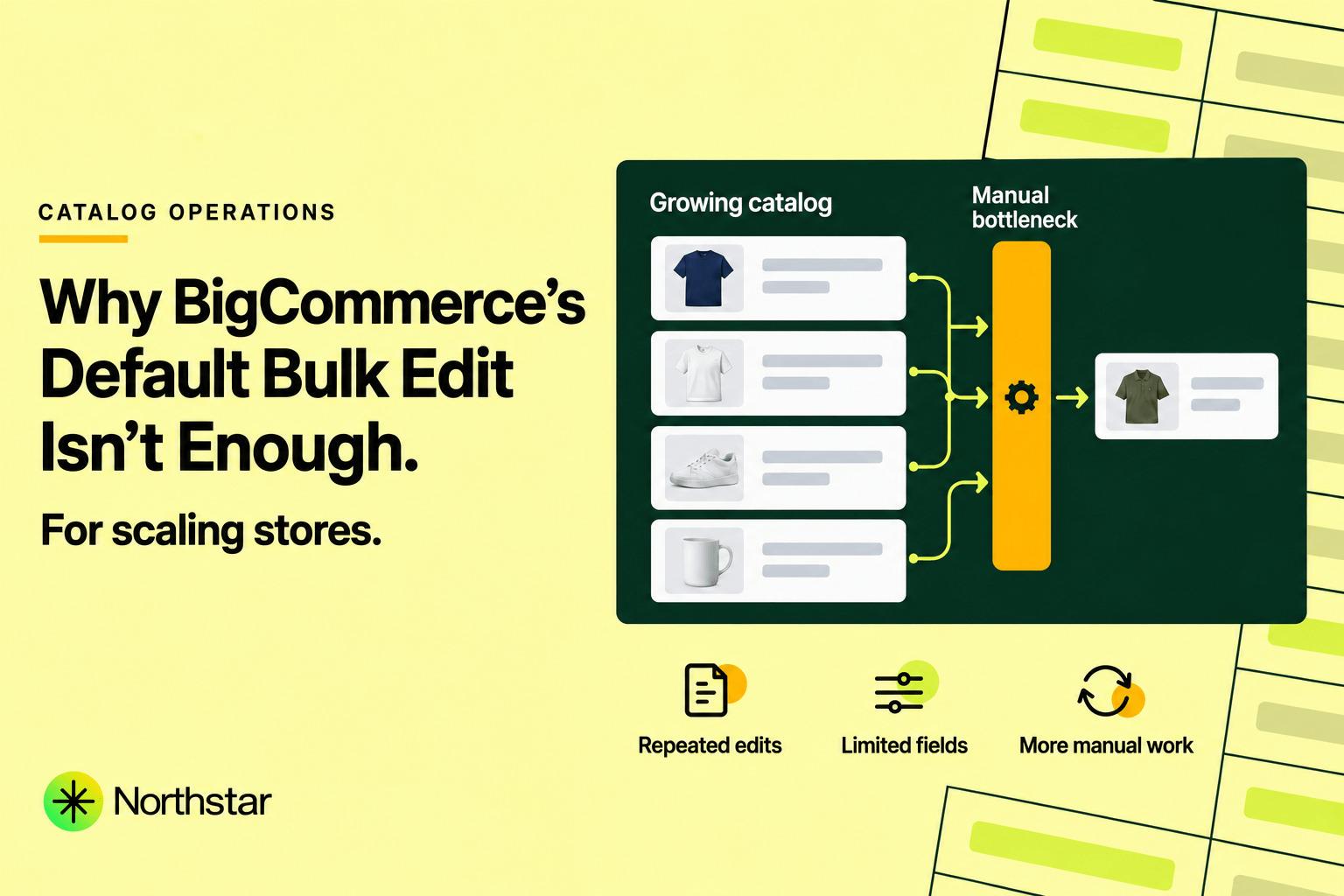
When you launch your first store on BigCommerce, the built-in bulk editing tool in the control panel feels like a convenient feature. You navigate to Products > View Products, select ten items, click Bulk Edit, and quickly tweak a few prices or SKUs in a clean grid.
However, as your store grows from a modest boutique into a scaling omnichannel brand or B2B distributor managing thousands of SKUs, that same built-in tool transforms into an agonizing operational bottleneck.
From strict pagination caps that block you from updating more than 100 items at a time, to the total absence of custom fields in the grid view, BigCommerce’s native editor simply wasn't designed for high-velocity catalog merchandising.
In this guide, we break down the five fatal BigCommerce control panel bulk edit limitations, explain why the default CSV fallback creates massive data risks, and demonstrate how modern BigCommerce native bulk edit alternatives like NorthStar Bulk Product Editor solve these bottlenecks once and for all.
Editorial Note: NorthStar Bulk Product Editor is developed by NorthStar Innovations. Our team built NorthStar specifically after years of hearing BigCommerce merchants and agency partners complain about the exact friction points detailed in this article.
A Reality Check: What the BigCommerce Native Bulk Editor Does Well
To be entirely fair, BigCommerce's built-in bulk editor is not useless. For small, infrequent catalog adjustments, it serves a clear purpose:
- It is built directly into the control panel at no extra monthly software cost.
- It allows quick inline cell editing across standard fields like Product Name, Brand, Default Price, Sale Price, Track Inventory, and Visibility.
- It feels familiar to anyone comfortable working in a basic spreadsheet grid.
If you have 40 products and need to correct a spelling typo in three titles or mark five items as out of stock, the native editor gets the job done. The breakdowns begin when you need to make coordinated, rule-based changes across an entire growing catalog.
The 5 Critical Limitations of BigCommerce Native Bulk Edit
1. The 100-Product Hard Pagination Ceiling
The most glaring limitation of BigCommerce’s control panel bulk editor is its 100-product limit. The bulk editor operates strictly on the products rendered on the current browser page in your admin dashboard.
Because BigCommerce caps page pagination at a maximum of 100 products per view to prevent browser memory crashes, you can only bulk edit up to 100 products in a single operation.
Consider what this means in practice:
- If you have 2,500 products and your supplier announces an across-the-board 5% cost increase, you cannot simply select your catalog and apply the change.
- You must open Page 1, select 100 products, launch bulk edit, manually calculate and enter 100 prices, save, wait for the page to refresh, navigate to Page 2, and repeat the entire sequence 25 consecutive times.
- For stores with 10,000 or 50,000 SKUs, managing catalog-wide promotions or updates via the native bulk editor is mathematically impossible.
2. The Custom Fields Blackout
In BigCommerce, Custom Fields are one of the platform’s greatest strengths. They power faceted search filters, technical specifications (material, voltage, dimensions, compatibility), B2B attributes, and third-party app integrations.
Yet, in the BigCommerce native bulk edit grid, custom fields are completely unsupported. You cannot view custom fields, add new custom fields, edit existing values, or delete obsolete custom fields across multiple products.
If you want to add a "Warranty: 3 Years" custom field to 600 electronics products, the native control panel offers only two painful options:
- Open all 600 products individually in separate browser tabs and type the custom field by hand.
- Export your entire catalog to a fragile CSV spreadsheet and attempt a manual re-import.
3. The CSV Import/Export Nightmare
When merchants hit the 100-product ceiling or need to edit custom fields, BigCommerce directs them to the default fallback: CSV Export and Import. But spreadsheet-based catalog editing is notoriously risky:
-
Horizontal Custom Field Sprawl: BigCommerce exports custom fields as sequential column pairs:
Product Custom Field Name 1,Product Custom Field Value 1,Product Custom Field Name 2,Product Custom Field Value 2, spanning dozens of horizontal columns. Adding or modifying an attribute requires meticulously ensuring that column indices match across thousands of rows without overwriting existing data. -
Scientific Notation & Truncated SKUs: When CSV files are opened in Microsoft Excel, long numeric barcodes, UPCs, and SKUs (such as
001234567890) are automatically stripped of leading zeros or converted into scientific notation (1.23E+11). Re-importing that file permanently breaks barcode scanning at your warehouse. -
Character Encoding & Broken Formatting: Accents, degree symbols, and multiline HTML product descriptions frequently become corrupted into unreadable gibberish (e.g.
’) due to encoding discrepancies between desktop spreadsheet software and the BigCommerce database.
4. Zero Visual Previews and High-Risk Execution
When you click the "Save" button in BigCommerce’s native bulk editor, your changes are written directly to the live production database.
There is no visual diff preview, no summary confirmation screen, and no opportunity to review what was changed before the update takes effect. If an employee accidentally types $10.00 instead of $100.00 into a price cell or drags an incorrect value down a column, that discounted price is immediately live on your storefront.
Furthermore, there is no undo or rollback button. Once a native bulk edit is saved, the previous values are gone forever unless you happen to possess an uncorrupted manual backup CSV exported prior to the edit.
5. Lack of Automation and Reusable Rules
The native bulk editor is strictly a manual, one-off utility. It contains zero logic for rules or scheduling:
- You cannot create a rule to "increase prices by 10% for all products from Brand ABC".
- You cannot configure an automation that automatically moves products out of a featured category when their inventory drops to zero.
- You cannot schedule a weekend sale to start at midnight on Friday and automatically revert on Monday morning.
Every single operation requires human presence, manual calculation, and manual clicking. In 2026, relying on human memory for recurring catalog tasks is an unacceptable business risk.
Comparison: Native BigCommerce Bulk Edit vs NorthStar Bulk Product Editor
| Operational Capability | BigCommerce Native Bulk Edit | NorthStar Bulk Product Editor |
|---|---|---|
| Maximum Products per Edit | Strictly 100 products (1 page) | 100,000+ products (Cloud queued) |
| Custom Field Management | Not supported in grid view | Full native visual bulk editor for custom fields |
| Spreadsheet-Free Workflow | Forces CSV fallback for complex edits | 100% in-app visual point-and-click |
| Visual Diff Preview | No preview (Immediate live write) | 100% exact side-by-side visual diff before execution |
| Catalog Automation Rules | No rules or triggers | Dynamic rules for inventory, pricing & categories |
| Safe 1-Click Rollback | None (Requires manual CSV backup recovery) | Instant snapshot restoration with 1 click |
| Find & Replace across Content | Not available | Regex & text find-and-replace across titles & HTML |
| Risk of SKU / Barcode Corruption | High when forced to use CSV | Zero (Direct API synchronization) |
| Scheduled & Recurring Edits | No scheduling capabilities | Schedule future flash sales and recurring updates |
How NorthStar Solves Every Native BigCommerce Bottleneck
1. Scale Beyond 100 Products Without Pagination Limits
NorthStar Bulk Product Editor for BigCommerce decouples editing from the browser viewport. Instead of loading products into an unstable browser DOM table, NorthStar utilizes asynchronous background workers connected directly to BigCommerce's V3 Catalog API.
Whether you need to update 50 products or 75,000 products, you configure your filter criteria once, click execute, and let NorthStar’s rate-limit-aware queues process the updates reliably in the background without freezing your browser or slowing storefront checkout performance.
2. First-Class Custom Field Management Without CSV
NorthStar provides a purpose-built Custom Field Manager tailored specifically to BigCommerce’s data model. You can:
- Filter products that possess or lack a specific custom field name or value.
- Bulk add new custom field key-value pairs across thousands of targeted products.
- Find and replace text within existing custom field values (e.g. updating a rebranded material specification).
- Bulk delete obsolete custom fields cleanly without affecting other product specifications.
3. Preview Every Change Before Execution
With NorthStar, you never push unverified changes to your live storefront. Once you configure your update criteria, NorthStar generates a comprehensive visual diff preview.
The preview table highlights the exact old value alongside the proposed new value for every matching SKU. You can inspect the modifications, verify that no unintended products were captured by your filters, and proceed with 100% certainty.
4. Protect Your Store with 1-Click Rollback
Mistakes happen in fast-paced retail environments. If a team member sets an incorrect sale price or deletes a category assignment prematurely, NorthStar’s execution history log allows you to click Rollback and restore the exact pre-edit state of affected products within seconds.
5. Continuous Catalog Automation Rules
NorthStar elevates your catalog operations from reactive firefighting to automated efficiency. Configure rules such as:
- Automatically tag or hide products when inventory reaches zero.
- Reassign products to clearance categories when stock falls below defined thresholds.
- Automatically adjust retail prices based on margin targets when supplier costs fluctuate.
How to Transition from BigCommerce Native Bulk Edit to NorthStar
- Install NorthStar from BigCommerce Marketplace: Visit the BigCommerce App Marketplace listing and click Get This App. Installation connects securely via OAuth in under two minutes.
- Build Your First Filtered Product Segment: Use NorthStar’s multi-condition filter to isolate the exact products you want to update (by brand, category, inventory level, or custom field).
- Apply Actions and Preview: Choose your desired action—such as updating prices by a percentage, adding a custom field, or replacing text—and review the interactive diff preview.
- Queue the Job Safely: Run the update and monitor progress in real time. Your previous catalog state is automatically snapshotted for instant rollback whenever needed.
Frequently Asked Questions
Why does BigCommerce limit bulk editing to 100 products?
BigCommerce’s native bulk editor renders products directly into the browser DOM in a grid view. To prevent browser memory crashes, unresponsive script warnings, and control panel timeouts, BigCommerce caps the view to the current page (a maximum of 100 products). NorthStar bypasses this restriction by processing updates through cloud-based background queues via BigCommerce APIs.
Can I bulk edit BigCommerce custom fields without exporting a CSV?
With BigCommerce's default tools, no. BigCommerce does not support custom fields in its native bulk edit grid. However, by installing NorthStar Bulk Product Editor, you can bulk add, update, replace, and delete custom fields directly inside the app interface without ever touching a CSV file.
Will running a large bulk update slow down my BigCommerce store?
Not when using NorthStar. NorthStar’s asynchronous queue is engineered with intelligent API rate limiting and backoff algorithms. It communicates with BigCommerce's V3 API without overloading server resources or impacting customer browsing and checkout performance.
Can I schedule promotional price changes in BigCommerce?
BigCommerce's native control panel does not support scheduling bulk price updates. With NorthStar, you can schedule price changes to take effect at specific future dates and times, and configure automatic revert rules when sales conclude.
Final Verdict: Upgrade Your BigCommerce Catalog Workflow
The native BigCommerce bulk editor is fine for small shops with simple catalogs. But if your business is scaling, dealing with the 100-product ceiling, missing custom fields, and constant fear of spreadsheet errors is holding your team back.
By upgrading to a dedicated visual bulk editor with live previews, custom field support, and automated catalog rules, you save countless hours each week while eliminating the risk of costly store errors.
Ready to experience modern, spreadsheet-free catalog editing? Install NorthStar Bulk Product Editor from the BigCommerce App Marketplace or explore our detailed BigCommerce bulk editor features.
Official Sources & Resources
- NorthStar Bulk Product Editor on BigCommerce App Marketplace
- NorthStar BigCommerce Bulk Editor Feature Overview
- 5 Best BigCommerce Bulk Product Editor Apps in 2026
- NorthStar Bulk Product Editor Official Launch Announcement
- BigCommerce Official Documentation: Bulk Editing Products
- BigCommerce Official Documentation: Managing Custom Fields