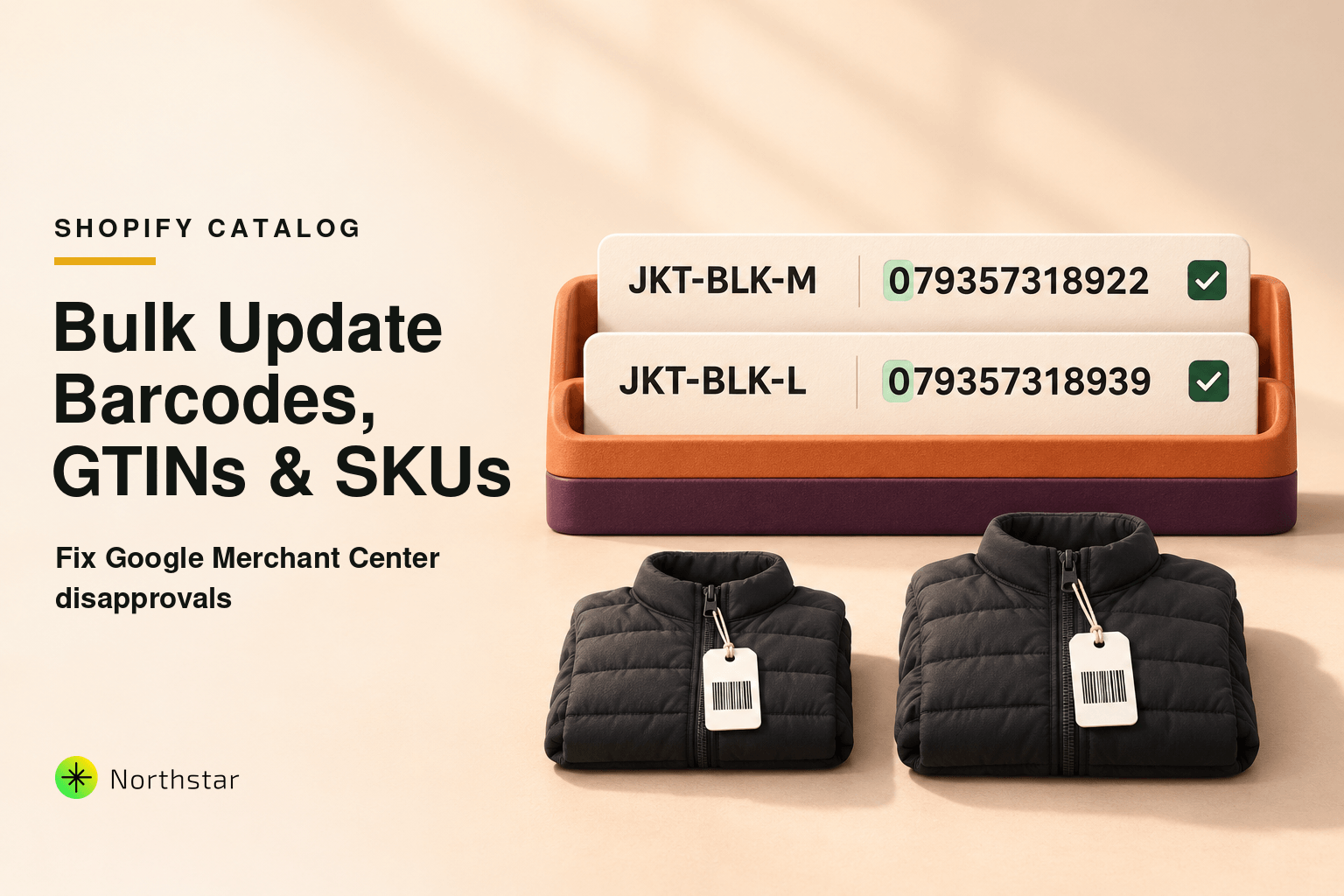
Few notifications cause more panic for ecommerce marketing managers than an alert from Google Merchant Center: "Account suspended due to policy violation: Missing or invalid GTIN."
Overnight, your top-performing Google Shopping ads, Performance Max campaigns, and Free Product Listings get disapproved. For merchants managing 500 to 10,000+ variants, the problem feels overwhelming: thousands of product variants are missing barcodes, have invalid checksum digits, or had their UPC codes stripped by bad CSV spreadsheet imports.
Opening each variant one by one in the Shopify admin to paste 12-digit numbers takes days of manual effort. But relying on traditional CSV imports is equally risky: standard spreadsheet software routinely converts 12-digit barcodes into scientific notation (like 1.23E+11), permanently corrupting your product catalog.
In this step-by-step tutorial, we will break down Google's GTIN requirements, explain why spreadsheet tools corrupt barcode data, and show you exactly how to bulk update barcodes, UPCs, and variant SKUs in Shopify safely and accurately.
Understanding Google Shopping Barcode Requirements: UPC, EAN & GTIN
Google uses the Global Trade Item Number (GTIN) to uniquely identify products in the global marketplace. When multiple retailers submit the same GTIN, Google matches the products against its global catalog to display price comparisons, customer reviews, and seller ratings.
Depending on where you source your products and where you sell, GTINs appear in different formats:
| Identifier Type | Length | Geographic Scope | Common Usage |
|---|---|---|---|
| UPC-A (Universal Product Code) | 12 digits | North America (US & Canada) | Retail consumer packaged goods, apparel, cosmetics |
| EAN (European Article Number) | 13 digits | International (Europe, Asia, Global) | Global consumer products, electronics, fragrances |
| ISBN (International Standard Book Number) | 13 digits | Global | Books, eBooks, audiobooks |
| GTIN-14 (ITF-14) | 14 digits | Global | Wholesale multi-packs, master shipping cartons |
In Shopify, all of these numbers belong in a single field: the Barcode field located on each product variant.
The Hidden CSV Trap: How Excel Destroys Barcode Data
When merchants discover thousands of missing barcodes, their first instinct is to export a product CSV, open it in Microsoft Excel or Google Sheets, copy-paste barcode columns, and re-import it.
This is where catastrophic data corruption occurs:
-
Leading Zero Stripping: Standard UPC codes often begin with a zero (e.g.,
079357318924). Because spreadsheet programs assume numeric cells are math integers, they automatically drop the leading zero, turning it into an invalid 11-digit string (79357318924). When submitted to Google, the feed fails checksum validation and is rejected. -
Scientific Notation Corruption: Numbers longer than 11 digits are automatically converted to scientific notation (e.g.,
1.23457E+11). When you save and re-import that CSV, Shopify literally writes1.23457E+11into your variant barcode field. - Variant Disconnection: If you sort your CSV by barcode or supplier name in Excel, you break the multi-row handle hierarchy that binds Shopify variants to their parent product, creating duplicate orphan listings upon re-import.
As we covered in our guide on Shopify Bulk Editor vs. CSV Import, direct API-driven editing is far safer for high-precision alphanumeric data.
How to Safely Bulk Update Barcodes in Shopify (Step-by-Step)
Using NorthStar Variant & SKU Bulk Editor, you can update barcodes across thousands of variants without touching CSV spreadsheets:
Step 1: Isolate Variants with Missing or Invalid Barcodes
Instead of scrolling through your entire catalog, use focused filtering conditions:
- Condition 1: Barcode is Empty, OR
- Condition 2: Vendor is [Brand Name] AND Barcode length is not equal to 12 or 13.
This immediately filters out compliant products and presents only the exact variant rows that require fixes.
Step 2: Bulk Map Barcodes Directly from Supplier Feeds
Open the variant editing grid. You can:
- Match by SKU: Upload a clean two-column reference file (SKU → Barcode). NorthStar automatically maps barcodes to the correct variant without modifying prices, inventory, or descriptions.
- Direct Inline Grid Paste: Copy an entire column of verified UPC numbers and paste directly into the browser grid without spreadsheet auto-formatting bugs.
Step 3: Format & Checksum Validation
Before saving, NorthStar runs an automated format check:
- Verifies that UPC codes contain exactly 12 digits and EAN codes contain exactly 13 digits.
- Flags any rows containing accidental letters, hyphens, or spaces.
- Preserves leading zeros with 100% text fidelity.
Step 4: Queue Background Execution with 1-Click Rollback
Click Save & Execute. The updates are queued and processed asynchronously through Shopify's native GraphQL API. An automated state snapshot is stored in your history log, allowing you to revert the bulk update with a single click if needed.
What to Do for Custom & Handmade Products (No Barcode Exists)
What if you sell bespoke, vintage, or private-label products that do not have manufacturer UPC/EAN codes?
If you leave the barcode blank on custom goods, Google Merchant Center assumes you forgot to provide a GTIN and rejects the feed. The correct solution:
-
Set "Identifier Exists" to False: In your Google Shopping channel app or product custom metafields, set the attribute
identifier_exists = false. - Ensure Clean Brand and MPN: If your product has no GTIN, provide a unique internal Manufacturer Part Number (MPN) or clean SKU to give Google enough structured data to approve the product listing.
Standardizing Variant SKUs by Formula
In addition to barcodes, messy SKUs cause warehouse picking errors and stockout discrepancies. With NorthStar, you can bulk generate consistent, standardized variant SKUs using structured formulas:
Formula Example: [BRAND_PREFIX]-[COLLECTION_CODE]-[OPTION1_VALUE]-[OPTION2_VALUE]
Result: Converts a generic supplier SKU into ACME-JKT-BLK-XL across hundreds of variants in a single click.
Frequently Asked Questions
Why did Google Merchant Center disapprove my products for "Missing GTIN"?
Google requires all commercially manufactured brand-name products to include a valid Global Trade Item Number (GTIN)—such as a 12-digit UPC in North America or a 13-digit EAN internationally. If your Shopify product variants leave the Barcode field empty or contain invalid check digits, Google suspends those items from Google Shopping and Performance Max ads.
Why does Microsoft Excel corrupt Shopify barcodes during CSV imports?
When opening a standard CSV file, spreadsheet software automatically treats 12- and 13-digit barcode numbers as large integers. This strips essential leading zeros (e.g., "012345678905" becomes "12345678905") or converts the number into scientific notation (e.g., "1.23E+11"). Re-importing this file permanently saves the corrupted string into your Shopify database.
How can I bulk update barcodes in Shopify without using CSV spreadsheets?
Using NorthStar Bulk Product Editor, you can filter products with missing barcodes, paste or map supplier UPC/EAN lists directly into a verified grid, preview formatted data with automatic check-digit validation, and update thousands of variant rows in seconds via direct API.
What should I do if my products do not have barcodes (handmade or custom items)?
If you sell custom, handmade, vintage, or private-label products that do not have manufacturer GTINs, you must tell Google that no barcode exists. In your Google Shopping feed app or product metafields, set "Identifier Exists" to "False" so Google does not flag your catalog for missing GTINs. (For high-value serialized luxury goods requiring GIA/IGI certificate tracking instead of standard UPCs, see our deep-dive on Luxury Jewelry & Watch E-Commerce Trends).
Can I generate custom SKU codes by formula across all product variants?
Yes. With NorthStar's variant editor, you can create SKU generation rules using dynamic tokens (e.g., [VENDOR_CODE]-[PRODUCT_HANDLE]-[COLOR]-[SIZE]) to replace messy or missing supplier SKUs with clean, standardized internal inventory codes across your catalog.
Don't let barcode errors freeze your Google Shopping revenue. Experience how NorthStar Variant & SKU Bulk Editor helps you standardize barcodes, fix GTIN errors, and keep your ad feeds running smoothly.